-
We’re currently investigating an issue related to the forum theme and styling that is impacting page layout and visual formatting. The problem has been identified, and we are actively working on a resolution. There is no impact to user data or functionality, this is strictly a front-end display issue. We’ll post an update once the fix has been deployed. Thanks for your patience while we get this sorted.
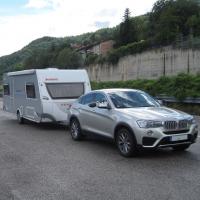
trying to upload a pic - and failed
- Thread starter colinw1
- Start date


TRENDING THREADS
-
-
-
Berker 12 volt Cigar Socket and Satellite Point Anthracite W4 Caravan 21229A
- Started by Malky
- Replies: 15
-
-
 Mandatory eye tests for drivers over 70 being proposed by HMG. Good or bad?
- Started by Dustydog
- Replies: 230
-

-
Do new caravans come with Al-Ko locks?
- Started by Flatteraxe
- Replies: 27